When ordering printed materials, businesses often focus on design, colours and quantity. However, one technical specification can significantly influence the final result: GSM.
GSM stands for grams per square metre and is commonly used to indicate the weight of paper. A higher GSM generally means a heavier and more substantial sheet, but GSM alone does not determine paper quality.
For businesses using digital printing services in Dubai, understanding GSM can help when selecting paper for business cards, brochures, flyers, menus, certificates, booklets and other marketing materials.
What Does GSM Mean in Printing?
GSM represents the weight of one square metre of paper.
For example:
- 80–100 GSM: Lightweight office and everyday printing paper
- 120–170 GSM: Flyers, posters, letterheads and promotional inserts
- 200–250 GSM: Premium flyers, covers and postcards
- 250–350 GSM: Business cards, invitations, premium brochures and menus
- 350+ GSM: Heavy-duty cards, luxury packaging and specialty applications
It is important to understand that GSM measures weight, not thickness directly. Two papers with the same GSM can have different thicknesses because their density and composition may differ.
How Does GSM Affect Digital Printing Quality?
Paper weight can influence how a printed design looks and feels.
1. Colour Appearance
Paper surface and composition affect how toner or ink interacts with the sheet.
Coated, smooth papers can provide a sharper appearance for photographs, gradients and detailed graphics, while uncoated papers can produce a softer, more natural appearance.
For high-quality marketing materials, selecting the right combination of GSM, coating and surface finish is often more important than simply choosing the highest GSM available.
2. Image Sharpness
A smooth, well-manufactured paper can help reproduce fine details more consistently.
For brochures, catalogues and promotional materials containing photographs, typography and small graphical elements, the paper surface can influence perceived sharpness.
3. Colour Consistency
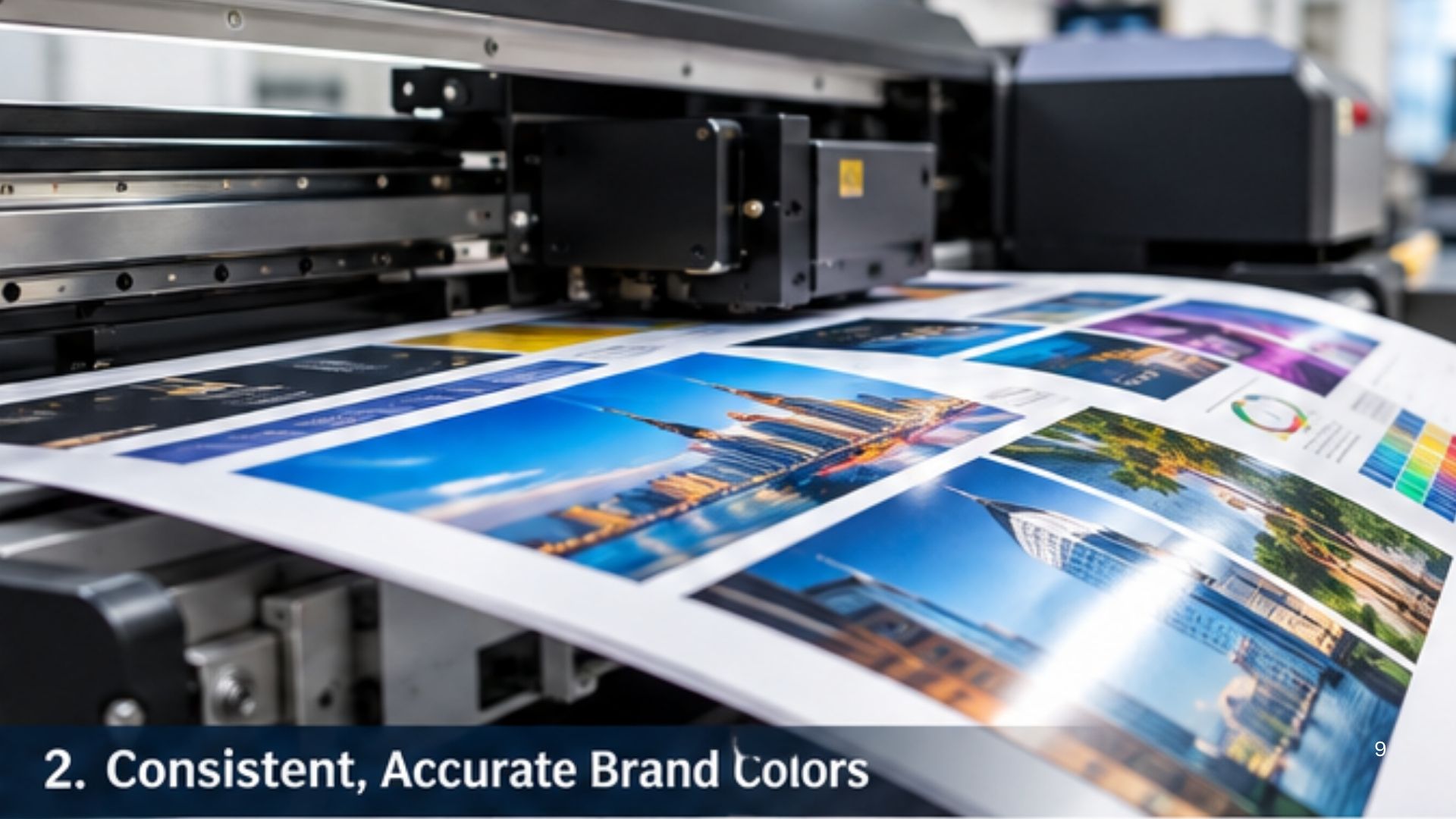
Digital printing systems are calibrated for specific media characteristics. Paper weight, coating and surface can therefore influence the final colour reproduction.
Professional printers may use different machine settings or paper profiles depending on the selected stock.
Does Higher GSM Mean Better Quality?
Not necessarily.
A 350 GSM sheet isn’t automatically better than a 250 GSM sheet.
The appropriate GSM depends on the application.
For example, using extremely heavy stock for a simple flyer may increase cost and make the material unnecessarily difficult to fold or distribute.
Conversely, using lightweight paper for a premium business card can make the finished product feel less substantial.
The objective should therefore be:
Choose the right GSM for the purpose—not simply the highest GSM available.
GSM and Durability
Generally, heavier paper provides greater rigidity and a more substantial feel.
This can be particularly useful for:
- Business cards
- Restaurant menus
- Postcards
- Invitations
- Certificates
- Presentation folders
- Product cards
- Premium brochures
However, durability also depends on other factors, including:
- Paper composition
- Coating
- Lamination
- Moisture resistance
- Folding and creasing
- Storage conditions
- Handling frequency
For example, a laminated 250 GSM printed sheet may be more practical for certain applications than an uncoated 350 GSM sheet.
Choosing GSM for Different Printing Applications
There isn’t one universal GSM for every project.
Business Cards
Business cards commonly use heavier stocks, often around 250–400 GSM, depending on the desired feel and finishing.
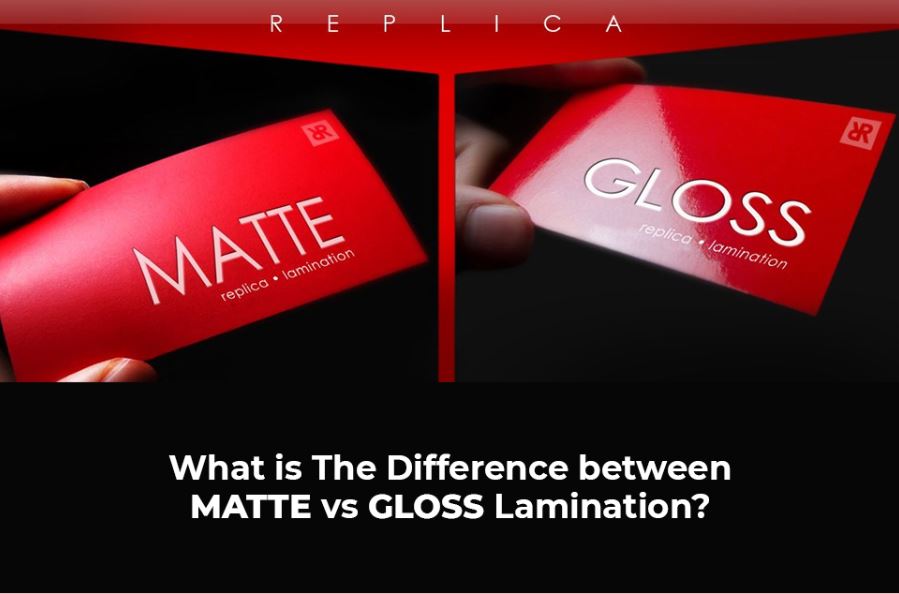
For premium cards, businesses may combine heavier stock with matte or soft-touch lamination, spot UV or other finishing techniques.
Flyers
Flyers typically use lighter or medium-weight stocks because they need to be economical and easy to distribute.
Approximately 120–200 GSM can work well depending on the design and application.
Brochures
Brochures require a balance between flexibility, print quality and durability.
Around 150–250 GSM is commonly suitable, with heavier paper sometimes used for covers.
Restaurant Menus
Menus need to withstand frequent handling and occasional exposure to moisture or spills.
A heavier stock combined with lamination can provide better practical durability.
Certificates
Certificates often benefit from medium to heavyweight paper, particularly when a premium appearance is required.
Textured or specialty stocks can also be used to create a more formal appearance.
GSM vs Thickness: Are They the Same?
No.
This is a common misunderstanding.
GSM = paper weight
Thickness = physical caliper of the paper
A lightweight paper can sometimes be relatively thick if it has a low-density structure, while a denser paper with the same GSM may feel thinner.
Therefore, when choosing paper for professional digital printing, it is useful to consider:
GSM + thickness + coating + texture + intended application
rather than relying on GSM alone.
Does GSM Affect Digital Printer Performance?
Yes, potentially.
Digital printing machines have specifications for the types and weights of media they can process.
Very heavy paper may require a printer with appropriate media-handling capabilities. The paper may also need to follow a specific feed path to avoid issues with curling, misfeeds or poor registration.
Professional digital printing companies therefore select media according to both the **customer’s requirements and the capabilities of the printing equipment**.
How Dubai Businesses Should Choose the Right GSM
Businesses in Dubai have a wide range of printing requirements, from corporate stationery and business cards to restaurant menus, event materials and promotional campaigns.
A practical selection process is:
Step 1 — Identify the application
Determine whether the material is a flyer, business card, brochure, menu, certificate or another product.
Step 2 — Determine the expected handling
Will the printed item be used once, occasionally or repeatedly?
Step 3 — Consider the desired appearance
Do you need a lightweight professional look or a premium, rigid feel?
Step 4 — Select the paper finish
Choose between coated, uncoated, matte, gloss or specialty paper depending on the design.
Step 5 — Confirm digital press compatibility
The selected stock should be compatible with the printing equipment and finishing process.
GSM is an important part of professional printing, but it is only one factor in determining the final result.
The best printing material depends on a combination of GSM, thickness, paper composition, surface finish, colour requirements, printing technology and intended use.
For businesses looking for digital printing services in Dubai, discussing the application with a professional printer before selecting the paper can help achieve the right balance between appearance, durability and cost.
The goal isn’t simply to choose the heaviest paper. It’s to choose the right paper for the job.